Deepsoch AI

Products

LiveAvailable to use right now

Five products, shipped and public.

These are real, running products, not previews. gameclip.run lets you start free without a card, SocialKit needs no account, PodcastFlow and AI Suite run on a subscription, and Engine X opens with a sign-in. Click any card to open it.

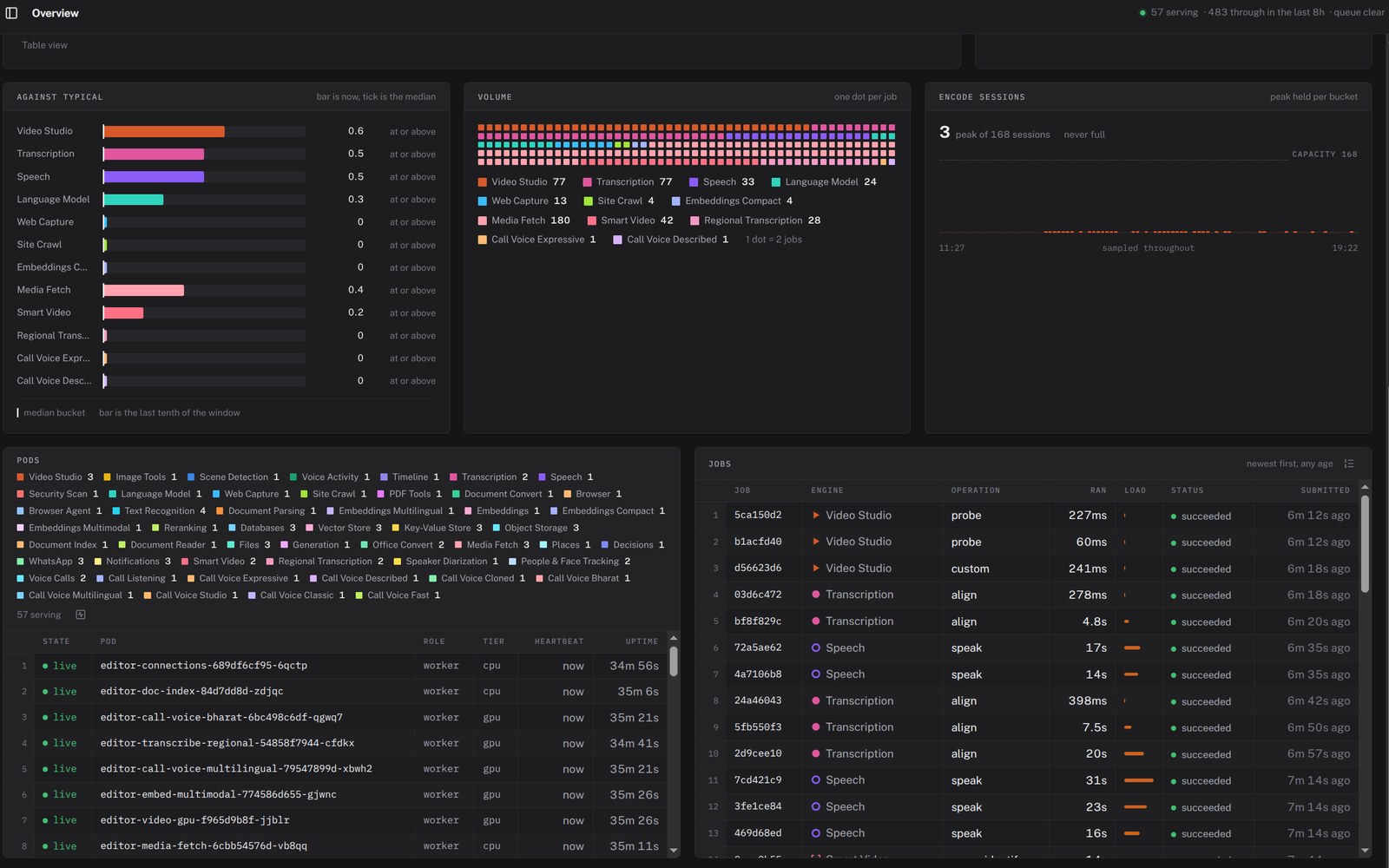
The Engine X overview dashboard: load per engine against its median, a dot grid of job volume, live pods for engines from web capture to voice calls, and recent jobs.
Liveenginex.run

Engine X

Media and documents in, structured output back.

Build complex backends by wiring nodes into pipelines. Scraping, documents, transcription, speech, language models, search and voice calls are ready-made engines, and every job runs on one live floor you can watch.

  • Pipelines of nodes
  • Scraping to voice calls
  • Docs · media · speech · LLMs
  • Live jobs and fleet health
Open enginex.run
The gameclip.run homepage: the headline “Your VOD is full of NO WAY clips. We cut them.” beside game characters, above a box for pasting a YouTube, Twitch or Kick link and a “Get clips” button.
Livegameclip.run

GameClip

Your VOD is full of clips. We cut them.

Paste a stream or a match and get vertical shorts back, with your facecam on top, captions and a hook. Every clip opens in a timeline when you want to fine-tune it.

  • 11 edit types
  • 1080 × 1920 vertical
  • Kill clips for 7 games
  • Premiere · DaVinci timeline

600 free credits on signup · no card

Open gameclip.run
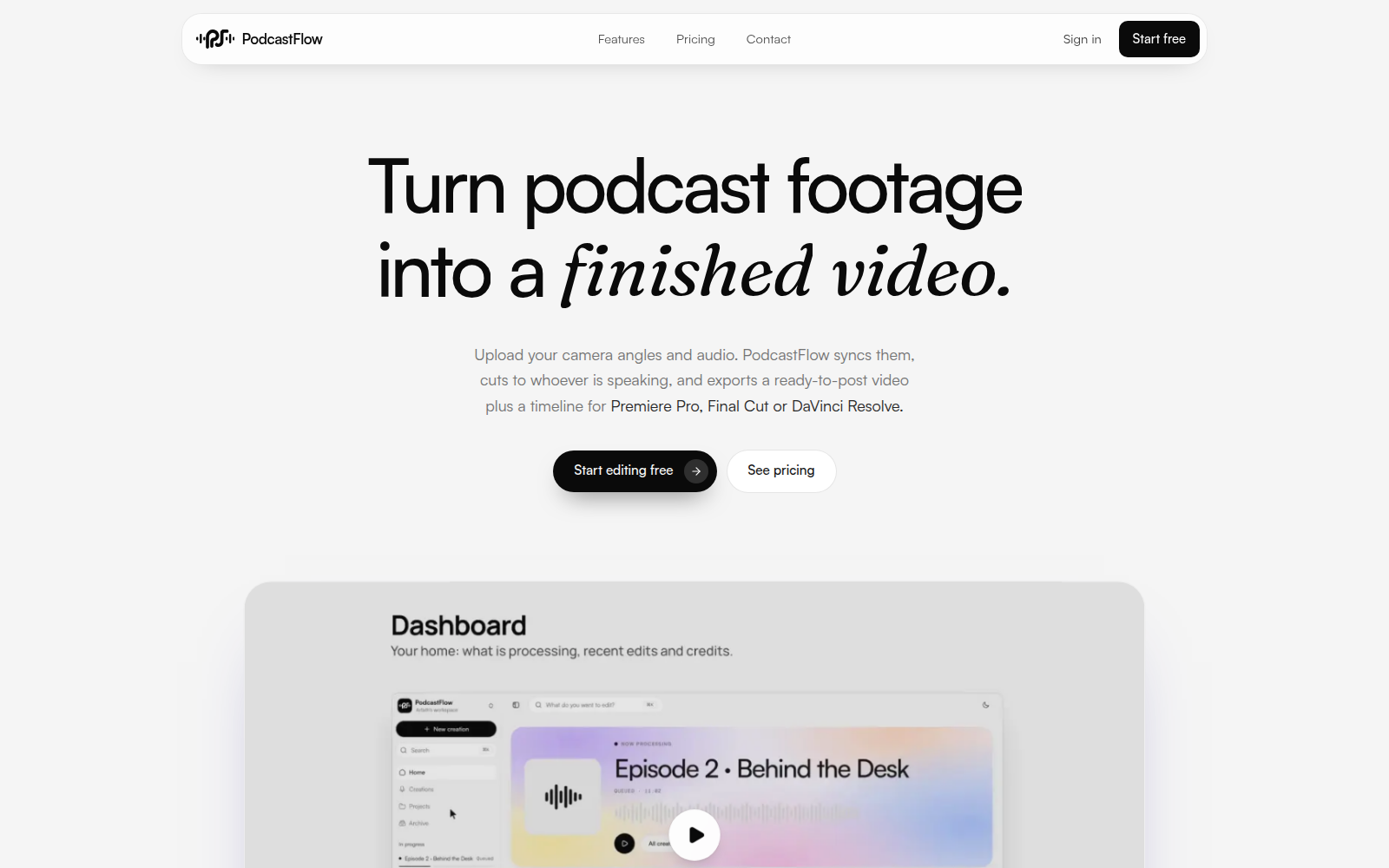
The podcastflow.app homepage: the headline “Turn podcast footage into a finished video.” above a dashboard preview showing an episode being processed.
Livepodcastflow.app

PodcastFlow

Turn podcast footage into a finished video.

Upload your camera angles and one audio track. PodcastFlow syncs them, cuts to whoever is speaking and exports a ready-to-post video plus an editable timeline.

  • Multi-cam editing
  • Auto-sync, no clapper
  • Cuts to the speaker
  • Premiere · Final Cut · DaVinci XML
Open podcastflow.app
The aisuite.run homepage: the headline “Bring Your Ideas to Life” above cards for Image to video, Text to image, Multi Angle and Music & Song, beside a generated product shot.
Liveaisuite.run

AI Suite

Bring your ideas to life.

Generate images, video and music from a prompt or a photo, in one console. Eleven creative tools behind a single job queue, with every result kept in a gallery.

  • 11 creative tools
  • Image · video · music
  • Job queue and gallery
  • Self-hosted option
Open aisuite.run
The socialkit.run homepage: the headline “Turn one idea into a post people save.” beside a phone showing a carousel slide and a smaller one playing a reel, above Carousel, Reel, Both and Story reel options.
Livesocialkit.run

SocialKit

Turn one idea into a post people save.

Tell it what the post is about and it writes the slides, designs them, drops in a meme where it fits and voices the reel. Your own photos stay exactly as they are.

  • 4:5 carousels
  • 9:16 voiced reels
  • English · Hindi voices
  • Edit every word

No account · projects stay in your browser

Open socialkit.run

Deploy

Hosted, or on your own hardware

Use the hosted products as they are, or run the same capability inside your own perimeter. AI Suite already offers a self-hosted option.

Integrate

Timelines for your editor

GameClip and PodcastFlow export an editable timeline for Premiere Pro or DaVinci Resolve, so every cut can be finished in the tools your team already runs.

Own

Your models, your outputs

On a self-hosted deployment you keep full ownership of the models and everything they produce. Nothing you send is used to train anything.

How deployment works
Live productsenginex.run · gameclip.run · podcastflow.app · aisuite.run · socialkit.run
Free to trygameclip.run
DeploymentHosted or your own hardware
Talk to uscontact@deepsoch.ai